| < Previous page | Next page > |
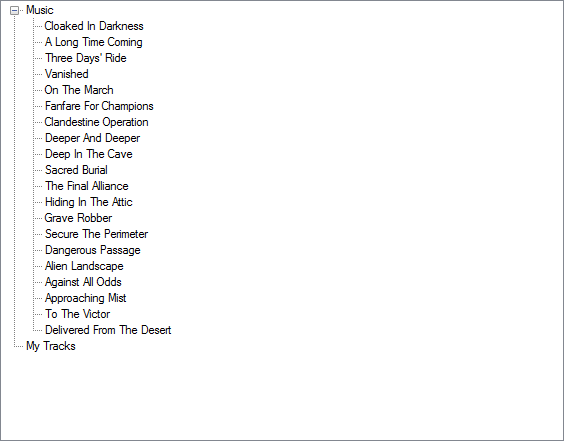
There are a selection of Music tracks ready to use in iKITMovie full version. You can listen to the tracks by doubleclicking on them.
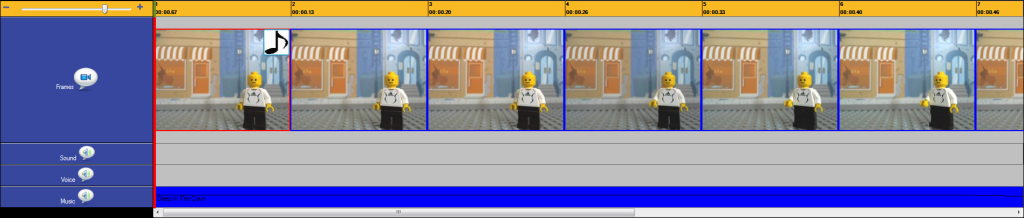
Once you have selected a track you simply drag and drop the music track on to your music timeline. The track will being to play at
the frame you place the music on.
The below screenshot shows how I have dropped a music track on to the first frame of my movie.
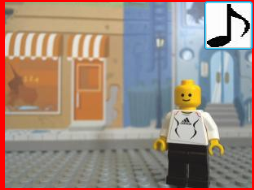
The frame will be indicate a music track has been added by the music note in the top right hand corner of the frame.
You may add your own music tracks to the Music soundbank by clicking on the + Add to Libray button indicated in blue and white below.
When adding your own music tracks use MP3 or WAV stereo files for best results.
 |