| < Previous page | Next page > |
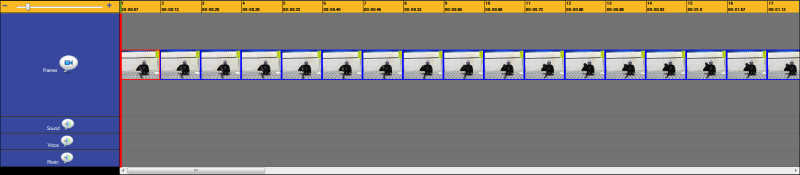
The slider on the left hand side of the timeline can be used to zoom in and out.

This allows you to see more frames at once and can be particularly useful when you are rearranging the sound effects in your animation.
Simply pull the slider down to zoom out and push it up to zoom in.
Before zooming... Small number of images can be seen on the timeline.

After zooming ... more images on the timeline can now be seen.
 |