| < Previous page | Next page > |
Once you have taken a photo of your character or scene by clicking on the snap button,
the captured images will be displayed on the timeline as shown below. One frame represents
each snapshot taken.
When you play your movie back each of these images is played back in sequence to give
the impression of animation. Small changes between the position of the character in the example
below from frame to frame will appear as animation when viewed on the live screen view.
The number of frames played back for every second in time is called the FPS (frames per second) rate.
If you wish to vary the speed of playback you may do so by moving the FPS scroll bar left from its default
of 15 FPS down to whatever rate you prefer.
  First image captured - Frame 1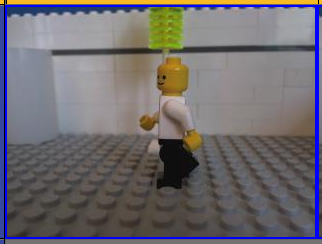 |
