| < Previous page | Next page > |
When you have opened or created a new project, and your camera is connected you will be asked to choose
the size of the images for your project.
This is an important step.
You should make the choice of output size ( Image Size as it is sometimes described )
taking in to consideration the following things:
may slow down your PC.
We recommend when starting out you choose 640x480 ( Option 2 indicated below )
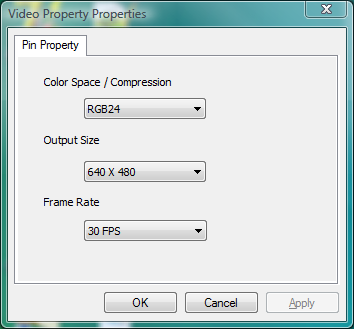
|