| < Previous page | Next page > |
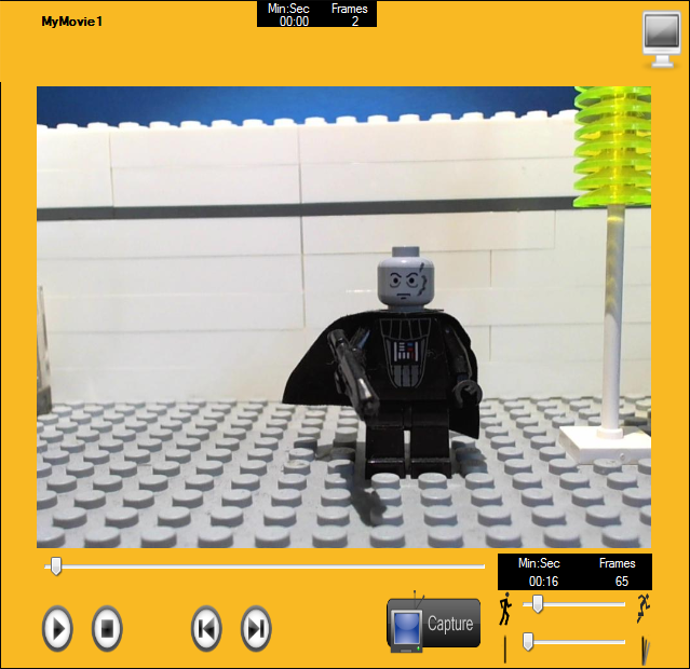
You can switch from the main screen of iKITMove to full screen mode in order to more closely view your movie.
To fill the screen with the image on your preview screen simply click on the monitor symbol on the top right hand
corner.

The timeline, Soundbank and main buttons will remain in the background while you view the image now fullscreen.
To revert back to the main desktop in iKIT simply click the above shown image again.
 |